Disclaimer: All tools and files shared here are for educational purposes only. Scan all files before use. By downloading anything from this site, you agree to use it at your own risk. We are not responsible for any damage or issues.
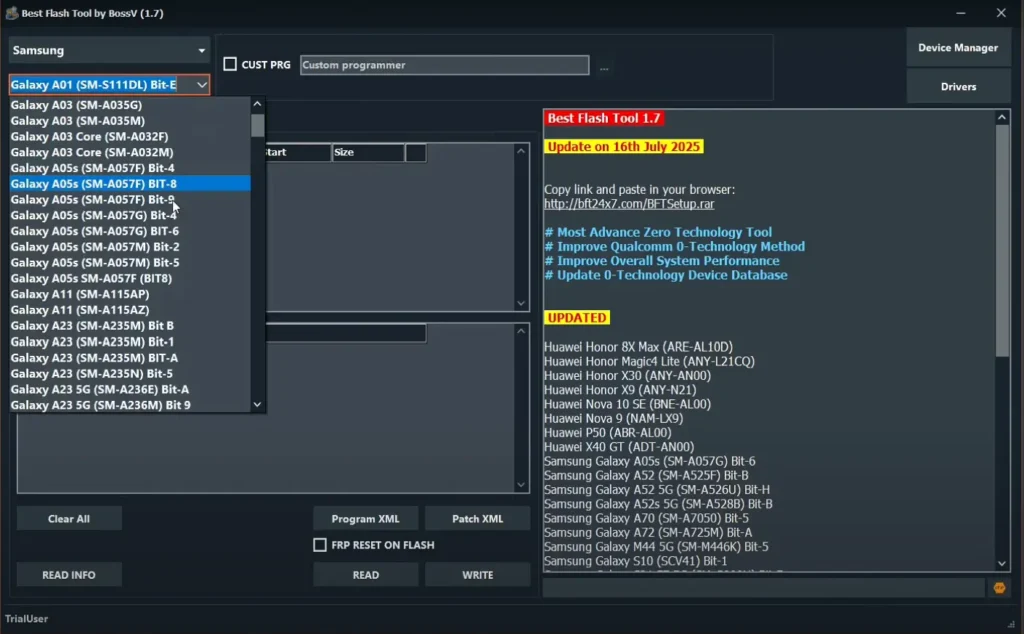
BFT Tool 1.8 is a free and reliable program for unlocking, flashing, and repairing Android phones. It supports many popular brands — Oppo, Vivo, Xiaomi, Realme, Tecno, Infinix, Samsung, Huawei, Nokia, and Motorola — and is trusted by mobile technicians for day-to-day repairs. Follow the step-by-step guide to download and install BFT Tool on your PC or laptop and start using its powerful features
BFT Tool 1.8 Features
- Flash firmware (MTK, Qualcomm, Samsung, Unisoc supported)
- Screen lock & FRP removal (ADB, Meta, Diag methods)
- Bootloader unlock/relock (temporary & permanent)
- IMEI repair (MTK, Qualcomm, Vivo, Oppo, Xiaomi supported)
- Factory reset & safe format options
- Mi Account, Huawei ID & Realme/Infinix/Tecno MDM reset
- RPMB backup, restore & repair functions
- Support for 250+ new Android models (latest update)
How To Install BFT Tool 1.8 (Auto Update)
For a complete step-by-step guide, watch the video tutorial below:
Leave a Comment