⚠️ Warning: Download and use at your own risk. We are not responsible for any issues or damage.
Best Flash Tool is easy to use if you follow the correct steps. This guide is for beginners and technicians.
Step 1: Download and Install
- Download BFT Tool 👉 Click Here
- Download Best Flash Tool (BFT Tool)
- Extract the ZIP/RAR file
- Install the tool normally
- Install required USB drivers
Step 2: Open the Tool
- Make sure internet is connected
- Right-click on the tool
- Click Run as Administrator
- Let the tool check for updates
Step 3: Connect the Phone
- Power OFF the phone
- Connect phone to PC using USB cable
- Use correct mode (ADB / Fastboot / EDL / BROM – as required)
Step 4: Select Phone Brand
- Open the tool
- Choose your device brand
- Select model or chipset
- Pick the required function
Step 5: Choose the Operation
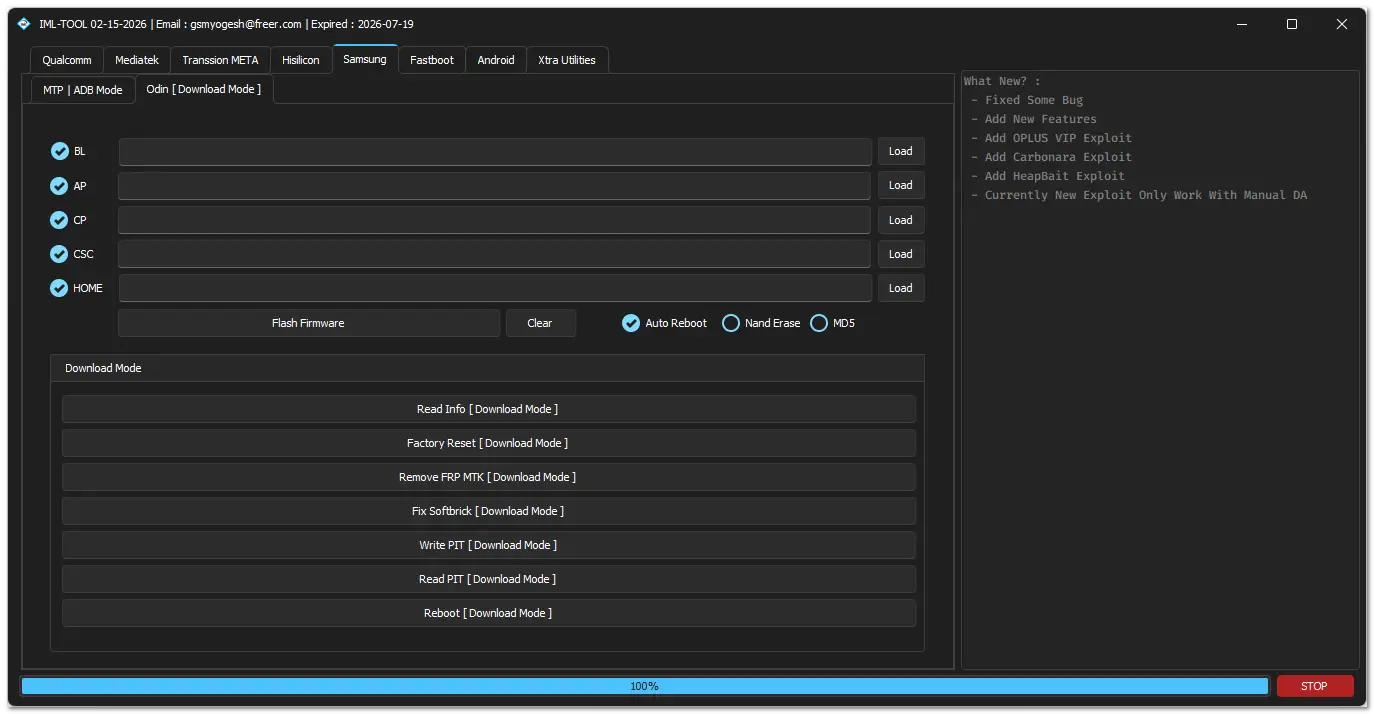
You can use BFT Tool for:
- Flash firmware
- Remove FRP
- Factory reset
- Unlock user lock
- Fix software issues
Click the option you need.
Step 6: Start the Process
- Click Start / Flash / Execute
- Wait until process completes
- Do not disconnect the phone
Step 7: Finish
- Tool will show Done / Success
- Disconnect the phone
- Power ON the device
Important Tips
- Always use stable internet
- Install correct drivers
- Use original USB cable
- Disable antivirus if tool is blocked
Final Note
Best Flash Tool is simple and works smoothly when used correctly.
Just follow the steps and select the right option for your phone.
Leave a Comment